
Appearance
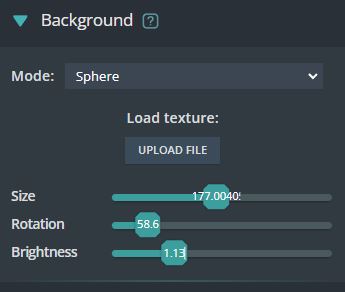
Background
You can change the background using a 360-degree image or a 2D image. The background has 3 modes to display: a sphere, a dome, and a 2D background.
Ground
Ground modes (Water, Mirror, Shadow)
Preview water and mirror effect:
Enable water / mirror then choose the mode that you want.
In Water mode
Normal map is used to create the water wave.
Diffuse map is used to create the ground under the water.
Reflect map is used to identify areas with and without water.
Edit ground height
To edit the height of the ground (which can be water, mirror or shadow), click “Edit ground height” button. Then a gizmo will appear to edit height.
Reflection environment
Reflection environment is used to create reflection by uploading 360 degree image.